peripherals
Fast IPS vs VA Under $100: Why Cheap VA Panels Often Hurt Motion Clarity in CS2 & Valorant
Pixel response against frame-time budgets: why slow dark transitions on cheap VA panels cause smearing in fast shooters, and why budget IPS tends to deliver more consistent motion clarity.
- 8 min read
Budget monitor marketing leans on two numbers: a high refresh rate (144Hz to 200Hz) and a "1ms" response time. At under $100, those numbers hide a real difference between panel types. IPS-type and VA monitors can both refresh at 144Hz or 180Hz, but their pixels do not change color at the same speed. On a 180Hz display a new frame arrives every 5.56 ms. If a pixel needs longer than that to reach its target color, the previous frame bleeds into the next one and moving objects look blurred. Budget Fast IPS panels typically average roughly 4 to 8 ms gray-to-gray (GtG), which is close to the refresh window, although their slowest transitions can take longer and cheap panels may overshoot. Budget VA panels are usually acceptable on bright transitions, but the darkest ones (near-black to dark gray) are commonly reported at 20 to 35 ms, which spans several frames. The result is a dark trail behind moving objects, often called black smearing. Better-tuned VA monitors exist, but they sit in higher price brackets. Important caveat: this article is based on listing specifications and typical, publicly reported behavior of each panel class. We did not measure these monitors ourselves, and the figures below are not a lab test. The two classes are also not measured the same way: IPS numbers are typical averages, while VA numbers are typical dark-level (worst-case) transitions. Always check independent reviews (RTINGS, TFTCentral, Monitors Unboxed) for detailed measurements of specific models. Below we explain why this happens, what "1ms MPRT" actually means, and compare four monitors under $100: the Sansui ES-G24F4 (Fast IPS), the KTC H24B9S (IPS), and two VA models, the Gawfolk GF240A and the Sceptre E225W-FW144G.
Info
The Frame Budget: Refresh Rate vs Pixel Response
Frame time is how long one frame stays on screen before the next one is drawn: 1000 ms divided by the refresh rate. That is 6.94 ms at 144Hz, 5.56 ms at 180Hz and 5.00 ms at 200Hz. The closer a pixel transition gets to that window, the less visible the trail behind moving objects. When transitions take several frames, the previous image lingers and edges look smeared.
The practical takeaway At this price, a 144Hz or 180Hz IPS-type monitor will usually look clearer in motion than a 200Hz budget VA, especially in darker areas of a map. Better VA monitors with well-tuned overdrive do exist, but they sit in higher price brackets.
Three reasons budget VA struggles in fast shooters:
- Panel structure and overdrive limits - VA crystals sit perpendicular to the glass and tilt when voltage is applied. Near black, the voltage difference between two gray levels is tiny, so the transition is slow and overdrive has little room to speed it up. Budget panels rarely have well-tuned overdrive across all levels. IPS crystals rotate in-plane and tend to switch more evenly, though cheap IPS is not immune to slow low-level transitions or overshoot.
- Dark areas and shadowed corners - Darker corridors, tunnels and shadowed corners in both games can put a moving enemy against a dark background. On a slow VA panel, dark pixels lag behind and soften the edges of moving models. This matters most in dim scenes; on bright, well-lit areas the difference is much smaller, although slow VA transitions can also show up on mid-gray changes.
- The contrast trade-off - VA panels typically rate 2000:1 to 3000:1 static contrast, giving deeper blacks in a dark room, although some budget models list lower figures. Fast IPS is usually around 1000:1 and shows some IPS glow in dark corners. For competitive play the lower contrast is a minor drawback at worst; for movies in a dark room it is a real one.
Three rules for judging budget monitor specs:
- Treat '1ms' on the box with suspicion unless it is a GtG figure backed by independent overdrive measurements. '1ms MPRT' says nothing about how quickly pixels switch.
- In this price tier, panel type matters as much as refresh rate. A 144Hz IPS will often look cleaner in motion than a 200Hz budget VA.
- Check the ports and the supported refresh rate per input. Some monitors limit HDMI to a lower refresh rate than DisplayPort (the Gawfolk, for example, is capped at 120Hz over HDMI), so use DisplayPort when you can.
Fast IPS vs VA Under $100: Motion Clarity & Panel Specs Compared
Sansui ES-G24F4 Best 180Hz IPS pick in this comparison | Fast IPS | 180Hz 5.56 ms per frame | ~4–7 ms average GtG (typical Fast IPS, not independently measured) | Low (watch for overshoot at 180Hz) | 1000:1 300 cd/m² | Check price on Amazon |
KTC H24B9S Cheapest 144Hz IPS option | IPS | 144Hz 6.94 ms per frame | ~4–8 ms average GtG (typical budget IPS, not independently measured) | Low | 1000:1 300 cd/m² | Check price on Amazon |
Gawfolk GF240A 200Hz VA — Dark smearing likely | VA | 200Hz (DP) / 120Hz (HDMI) 5.00 ms per frame | ~20–35 ms in the darkest transitions (commonly reported for budget VA) | High / Dark trails likely | 1000:1 (listed spec) 240 cd/m² | Check price on Amazon |
Sceptre E225W-FW144G 144Hz VA — Dark smearing likely | VA | 144Hz 6.94 ms per frame | ~20–35 ms in the darkest transitions (commonly reported for budget VA) | High / Dark trails likely | 2000:1 250 cd/m² | Check price on Amazon |
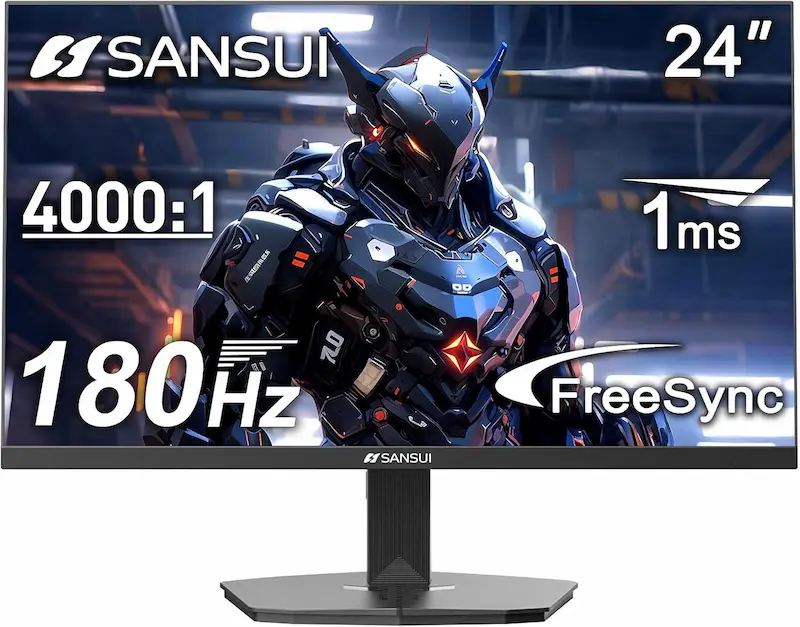
SANSUI 24" 180Hz Fast IPS Gaming Monitor ES-G24F4 Best 180Hz IPS pick in this comparison
Fast IPS180Hz (5.56 ms per frame)Smearing: Low (watch for overshoot at 180Hz)Dark Response: ~4–7 ms average GtG (typical Fast IPS, not independently measured)
$99.99Check price on AmazonKTC 24 Inch 144Hz IPS FHD Gaming Monitor (H24B9S) Cheapest 144Hz IPS option
IPS144Hz (6.94 ms per frame)Smearing: LowDark Response: ~4–8 ms average GtG (typical budget IPS, not independently measured)
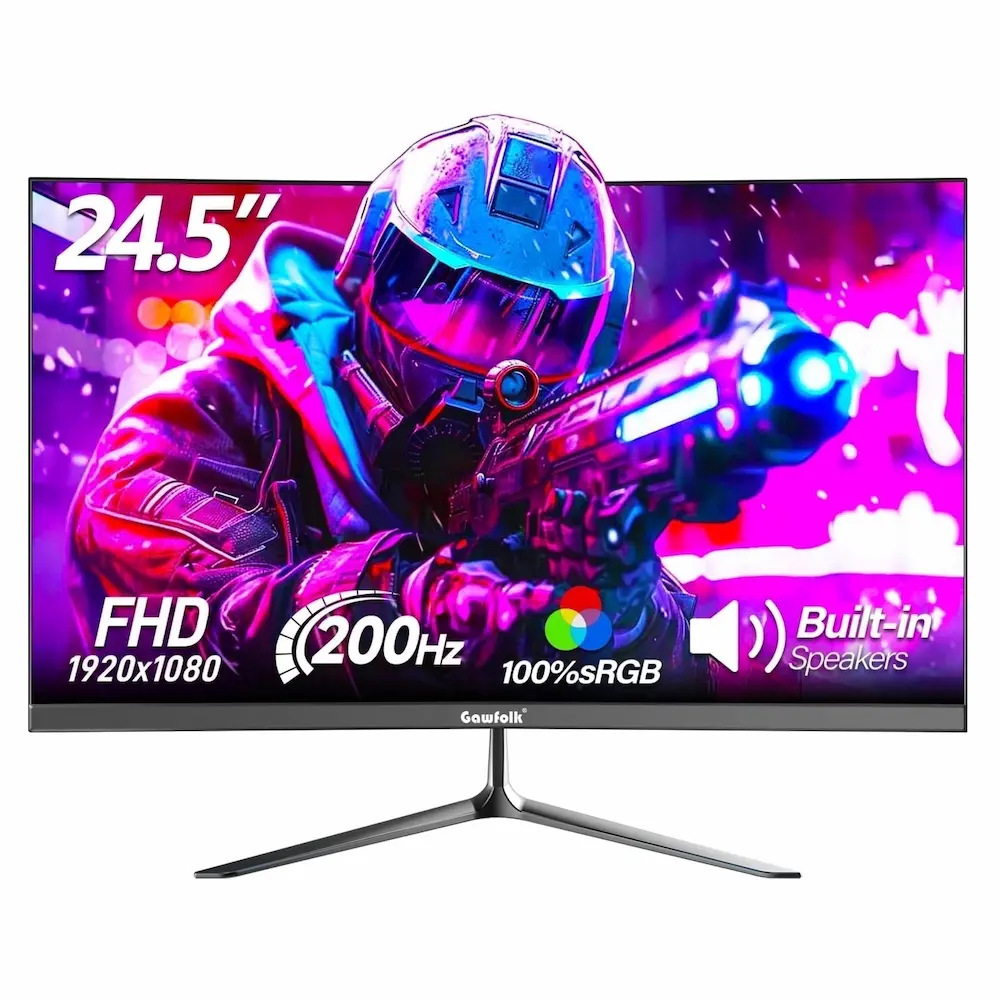
$70.57Check price on AmazonGawfolk GF240A 24.5 Inch 200Hz VA Gaming Monitor 200Hz VA — Dark smearing likely
VA200Hz (DP) / 120Hz (HDMI) (5.00 ms per frame)Smearing: High / Dark trails likelyDark Response: ~20–35 ms in the darkest transitions (commonly reported for budget VA)
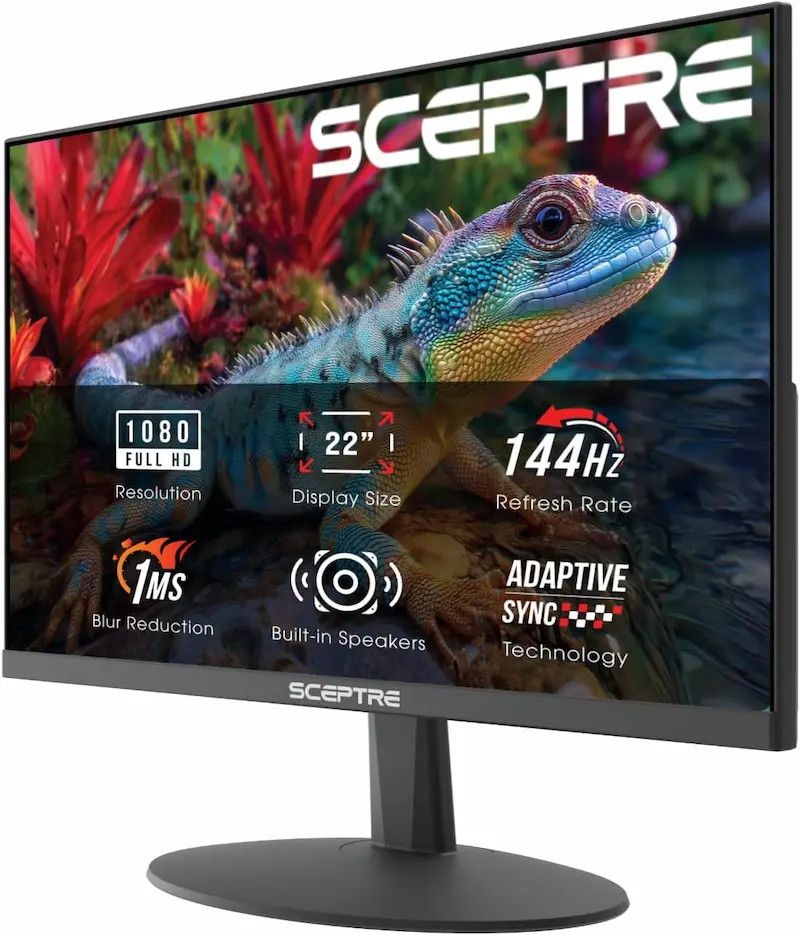
$79.99Check price on AmazonSceptre 22-Inch 144Hz FHD Gaming Monitor (E225W-FW144G) 144Hz VA — Dark smearing likely
VA144Hz (6.94 ms per frame)Smearing: High / Dark trails likelyDark Response: ~20–35 ms in the darkest transitions (commonly reported for budget VA)
$74.99Check price on Amazon
* As an Amazon Associate I earn from qualifying purchases.
Sansui ES-G24F4: Best Fast IPS Pick Under $100 in This Comparison
* As an Amazon Associate I earn from qualifying purchases.
- 1
180Hz Refresh with Typical Fast IPS Response
A typical 4 to 7 ms average GtG should keep most transitions near the 5.56 ms frame window, which limits dark trailing during quick camera pans.
- 2
DisplayPort 1.4 and HDMI 2.0
DisplayPort 1.4 carries the full 180Hz with Adaptive-Sync. FreeSync/Adaptive-Sync often works on Nvidia cards over DisplayPort too, but the monitor is not advertised as G-Sync certified, so compatibility is not guaranteed.
Sansui ES-G24F4 Evaluation
Pros
Fast IPS panel; typical response for this class is close to the 5.56 ms (180Hz) frame window
Dark trailing should be limited when peeking shadowed angles in CS2 and Valorant
DisplayPort 1.4 and HDMI 2.0 inputs with FreeSync / Adaptive-Sync
300 cd/m² brightness, the highest in this comparison (tied with the KTC)
Cons
Static contrast around 1000:1, so blacks look grayish in a dark room
Cheap IPS at 180Hz can show overshoot; you may need to tune the overdrive setting
Priciest model in this comparison, at $99.99
Conclusion
The Sansui ES-G24F4 runs at 180Hz, a 5.56 ms frame window. A Fast IPS panel of this class typically averages around 4 to 7 ms GtG, so most transitions should land close to the refresh cycle and dark trails should be limited in CS2 and Valorant. It has DisplayPort 1.4, HDMI 2.0 and 300 cd/m² brightness. It is the priciest option in this comparison, and cheap IPS at 180Hz can show some overshoot, so check the overdrive setting.KTC H24B9S: Clean IPS Motion as the Cheapest Option in the Lineup
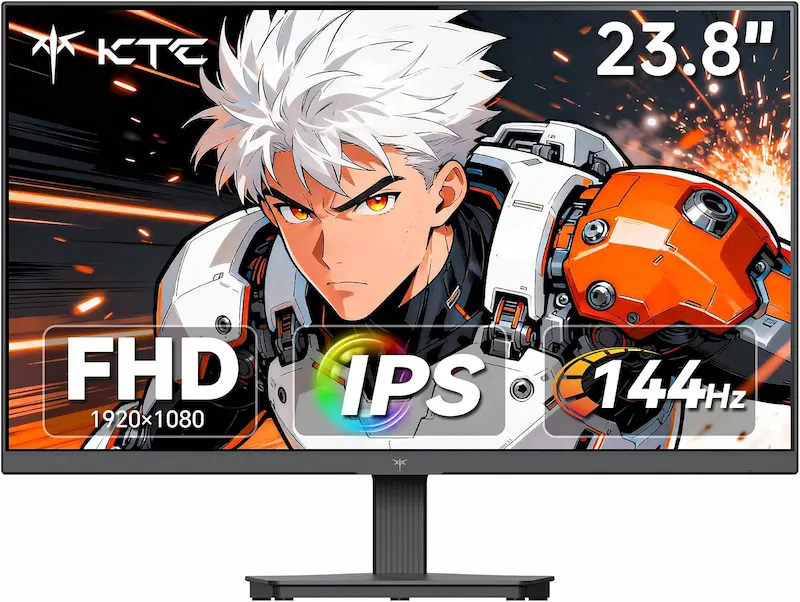
* As an Amazon Associate I earn from qualifying purchases.
- 1
144Hz IPS Without the VA Dark Penalty
Typical IPS response sits close to the 6.94 ms frame window, so motion should stay legible without the dark trails common on similarly priced VA panels.
- 2
Lowest Price in the Comparison
It costs noticeably less than the Sansui while keeping IPS-type pixel behavior. The trade-off is the 144Hz ceiling.
KTC H24B9S Evaluation
Pros
Lowest price in this comparison
IPS response typically close to the 6.94 ms frame window, without VA-style dark trailing
DisplayPort input for 144Hz with adaptive sync
300 cd/m² brightness, the highest in this comparison (tied with the Sansui)
Cons
144Hz ceiling versus 180Hz on the Sansui ES-G24F4
HDMI 1.4 is more limited than HDMI 2.0; use DisplayPort for 144Hz
Panel is listed as plain IPS; response times are typical, not measured
Conclusion
The KTC H24B9S pairs 144Hz (a 6.94 ms frame window) with an IPS panel in the typical 4 to 8 ms range, which should keep motion reasonably clean without strong dark trails. It is the lowest-priced option in this comparison, which makes it the most affordable route to an IPS monitor that handles fast motion well.Gawfolk GF240A: A 200Hz Number Held Back by VA Response
* As an Amazon Associate I earn from qualifying purchases.
- 1
Slow Dark Transitions vs a 5.00 ms Frame Window
A 200Hz refresh rate cannot fix slow liquid crystals. Dark transitions that take 20 ms or more span several frames, so dark objects trail behind moving targets.
- 2
The 1ms Claim
A 1ms GtG spec usually describes a best-case transition with aggressive overdrive. It does not describe near-black transitions, and aggressive overdrive can introduce inverse ghosting.
Gawfolk GF240A Evaluation
Pros
Cheaper than the 180Hz Fast IPS pick while offering 200Hz over DisplayPort
VA panels generally offer good black levels, though this model lists only 1000:1
Cons
Slow near-black transitions typical of budget VA can cause dark smearing in fast shooters
200Hz works over DisplayPort only; HDMI is limited to 120Hz
240 cd/m² is the lowest brightness in this comparison
The 1ms spec does not describe real-world dark transitions
Conclusion
The Gawfolk GF240A advertises 200Hz over DisplayPort (120Hz over HDMI) and a 1ms spec. Budget VA panels like this are commonly reported at 20 to 35 ms on near-black transitions, which is several times the 5.00 ms frame window. In shadowed areas of CS2 and Valorant maps, expect dark objects to leave soft trails when they move.Sceptre E225W-FW144G: Compact and Cheap, but a Weak Fit for Competitive Play
* As an Amazon Associate I earn from qualifying purchases.
- 1
Slow Dark-Level Transitions
Typical budget VA behavior means dark trails around moving targets in dim areas, which can make tracking during counter-strafes harder.
- 2
2000:1 Contrast Suits Media
Deep blacks look good in cinematic games and video, but slow dark recovery works against clarity in fast tactical shooters.
Sceptre E225W-FW144G Evaluation
Pros
Compact 21.5-inch screen at about 102 PPI, sharper than a 24-inch 1080p panel (about 92 PPI)
2000:1 contrast gives deeper blacks for media
DisplayPort and HDMI inputs
Cons
Budget VA dark transitions are likely slow, leaving trails in dim areas
Smaller screen than the other three monitors (21.5 vs 23.8–24.5 inches)
VA viewing angles cause color and gamma shift when viewed off-center
Conclusion
The Sceptre E225W-FW144G is a compact 21.5-inch 144Hz VA panel with 2000:1 contrast and about 102 PPI. Like other budget VA monitors, its dark transitions are likely slow, so fast horizontal flicks past dark doorframes and player models can show ghosting. It suits casual play and media better than competitive shooters.Verdict
Based on specs and typical panel behavior, the best pick for CS2 and Valorant here is — Sansui ES-G24F4
Sansui ES-G24F4 is our top recommendation among the compared models for competitive CS2 and Valorant, based on listing specs and typical panel behavior rather than our own measurements. Its 180Hz Fast IPS panel should keep typical transitions near the 5.56 ms frame window, avoiding the dark smearing common on cheap VA. It is the priciest monitor in this lineup, but DisplayPort 1.4 and HDMI 2.0 inputs leave full refresh rate headroom with Adaptive-Sync enabled.
🎯 Breakdown of the alternatives:
-
KTC H24B9S — the cheapest clean-motion pick. Capped at 144Hz (a 6.94 ms frame window), but it is noticeably cheaper than the Sansui while avoiding VA-style dark ghosting.
-
Gawfolk GF240A — high refresh on paper, slow dark transitions in practice. Cheaper than the Sansui and pushing 200Hz, but budget VA transitions near black are commonly reported at 20–35 ms (roughly 4–7 frames), creating soft trails behind dark models. HDMI is also capped at 120Hz.
-
Sceptre E225W-FW144G — compact 21.5" VA with likely slow dark recovery. Priced close to the KTC, but slow dark transitions can make target tracking muddy in fast counter-strafes despite the higher 102 PPI pixel density.
💡 Tactical shooter takeaway:
At this price, don't buy a high-refresh budget VA expecting competitive motion clarity. Slow dark transitions can turn a high refresh rate into trailing motion blur, so prefer an IPS-type panel. Better-tuned VA monitors exist, but they cost more.
Frequently Asked Questions
Refresh rate and pixel response are different things. A 200Hz monitor draws a new frame every 5.00 ms, but budget VA panels are commonly reported at 20 to 35 ms on near-black transitions, so dark pixels need roughly four to seven refreshes to settle. A 144Hz IPS has a 6.94 ms window and typically averages roughly 4 to 8 ms, so most transitions finish about as quickly as frames arrive. The effect is most visible in dark scenes.
Black smearing is a dark trail left behind moving objects on slow VA panels, caused by sluggish dark-to-lighter transitions. It is most noticeable in dim areas such as dark corridors, tunnels and shadowed corners, where a moving player model sits against a dark background and its edges soften during fast strafes.
No. MPRT is a measure of perceived motion blur using backlight strobing, and it does not make the liquid crystals switch faster. Where a monitor actually offers a strobe mode, it usually lowers brightness, can cause double images (crosstalk) and often disables variable refresh rate. On many budget monitors the 1ms MPRT figure is only a marketing number with no real strobe mode behind it.
For competitive play it matters much less than pixel response. VA typically gives deeper blacks in a dark room, which is great for movies. IPS has a higher black level, with some glow in corners, but it switches more evenly. For fast shooters many players prefer the cleaner motion; for dark-room media viewing VA is usually the better choice.
Based on specifications and typical panel behavior, the Sansui ES-G24F4 is the best pick in this comparison: a 180Hz Fast IPS panel with DisplayPort 1.4. If you want to spend less, the KTC H24B9S is the lowest-priced model here and offers 144Hz IPS motion without the dark smearing typical of budget VA. We have not measured these monitors, so check independent reviews before buying.
You May Also Like
- How to Hear Footsteps in CS2 & Valorant: Loudness Equalization + Audio Settings Guide
- Gaming Eye Strain Prevention Guide 2026: Monitor Settings, Lighting & Habits
- CS2 FPS Boost Guide 2026: Best Settings for Max Performance
- How to Apply Thermal Paste: Fix CPU Throttling & FPS Drops in CS2 & Valorant
- Best Budget Gaming PC Cases under $50