Guides & How-Tos

Active
  • How to Overclock Monitor to 75 Hz with CRU (Free Guide)

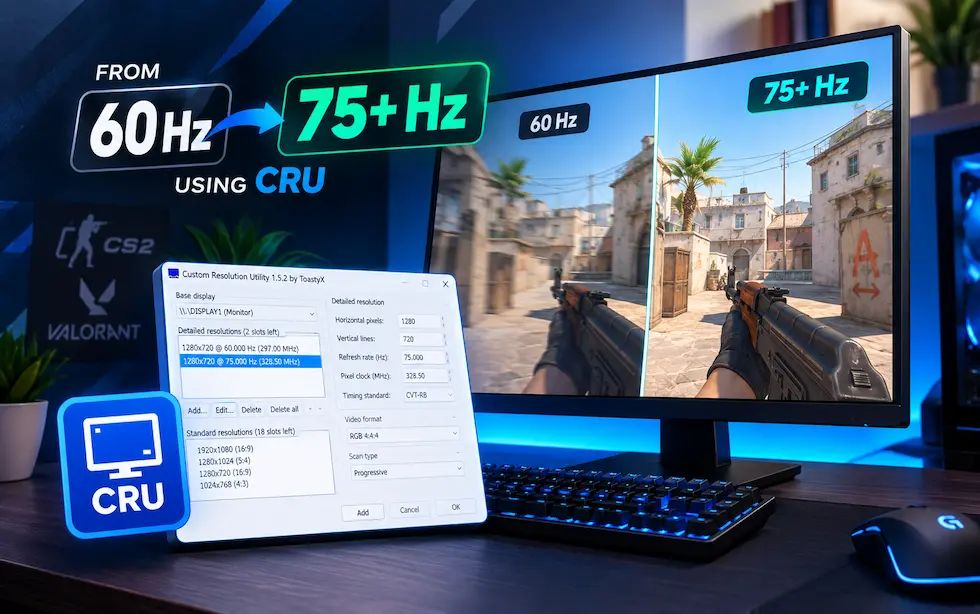
    How to Overclock Your Monitor from 60 Hz to 75+ Hz Using CRU

    Stuck on a 60 Hz monitor? This free step-by-step guide shows how to overclock your monitor to 75 Hz or higher using Custom Resolution Utility (CRU) — no hardware purchase required. Covers frame skipping verification, AMD and NVIDIA driver setup, and safety checks for CS2 and Valorant players.

    Daniel P. - Hardware expert
  • How to Install an NVMe SSD (M.2) — Step-by-Step Guide 2026

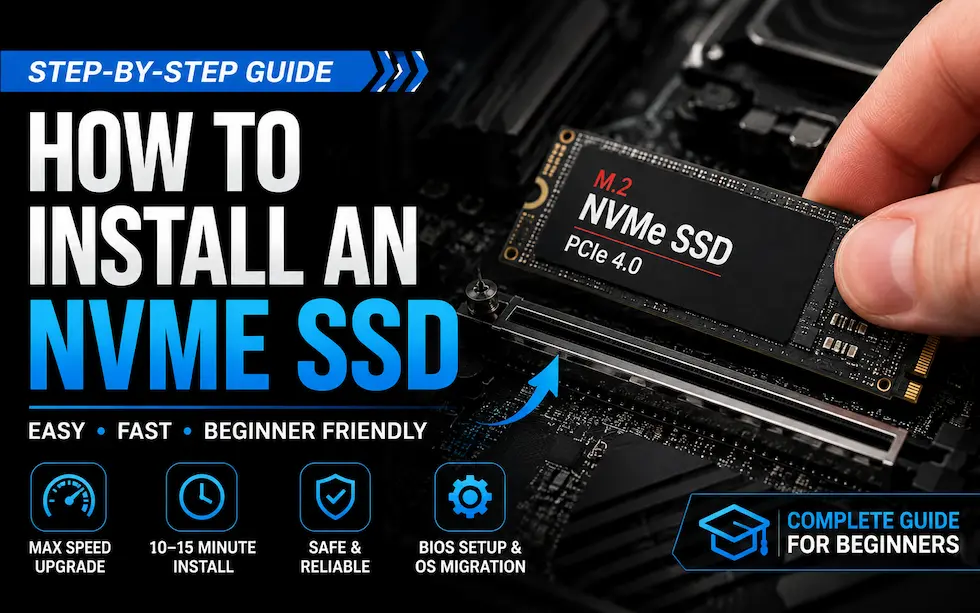
    How to Install an NVMe SSD: Step-by-Step Guide for Beginners

    Installing an NVMe SSD is one of the fastest, highest-impact PC upgrades you can make. This step-by-step guide covers tool selection, M.2 slot identification, physical installation, BIOS configuration, and OS migration — from start to first boot.

    Daniel P. - Hardware expert
  • Gaming Eye Strain Prevention Guide 2026: Monitor, Lighting & Habits

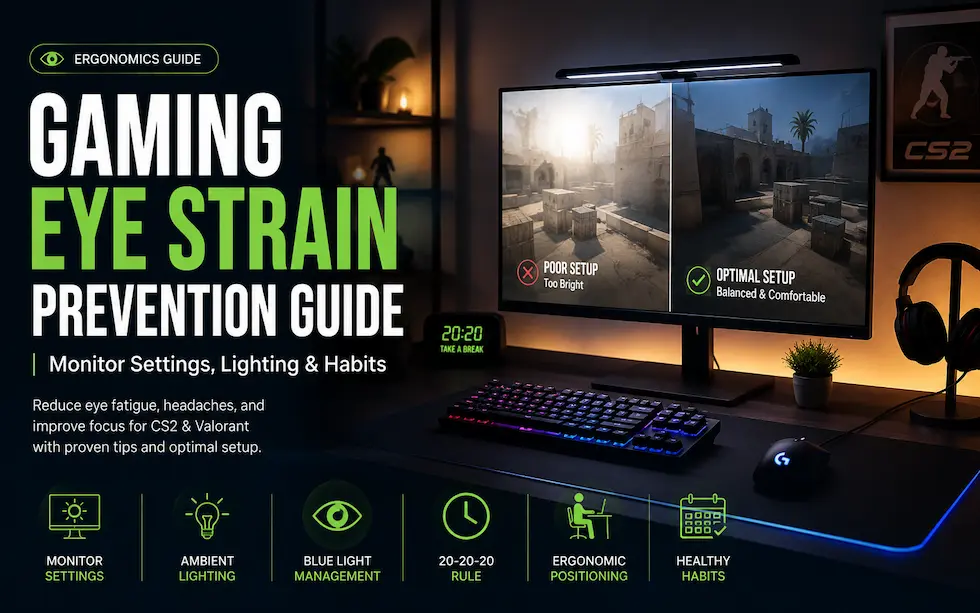
    Gaming Eye Strain Prevention Guide 2026: Monitor Settings, Lighting & Habits

    Long gaming sessions cause digital eye strain — dry eyes, headaches, and blurred vision that tank your focus and aim. This 2026 eye strain prevention guide covers monitor settings, ambient lighting, blue light management, the 20-20-20 rule, and ergonomic screen positioning for CS2 and Valorant players.

    Andrew T. - Setup Specialist
  • How to Enable XMP & Overclock RAM for Gaming (2026 Guide)

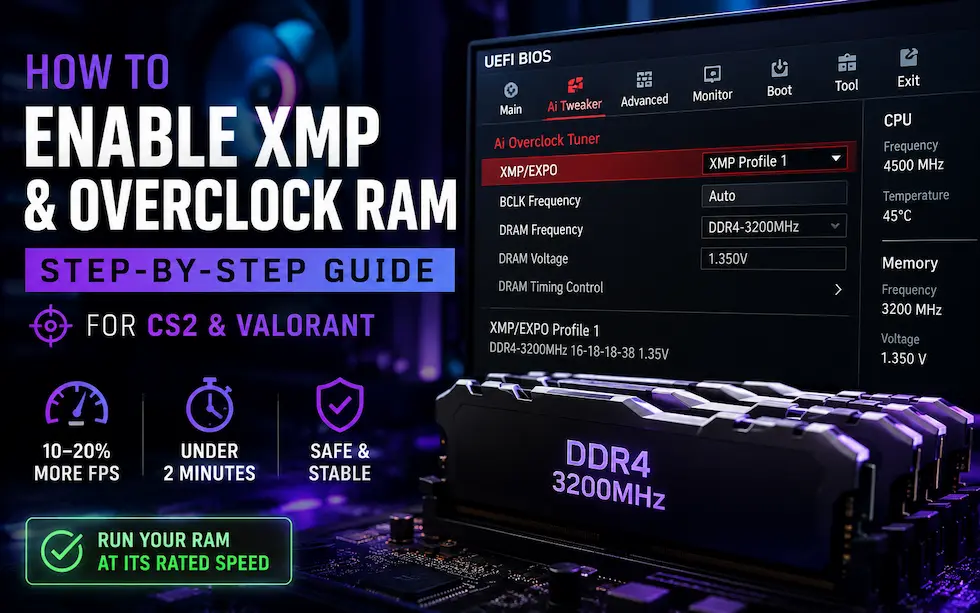
    How to Enable XMP & Overclock RAM: Step-by-Step Guide for CS2 & Valorant

    Most gaming PCs ship with RAM running at half its rated speed. Enabling XMP or EXPO in BIOS takes under two minutes and can improve CS2 and Valorant FPS by 10–20%. This guide explains XMP, EXPO, and manual RAM overclocking — from BIOS entry to stability testing.

    Daniel P. - Hardware expert
  • Windows 11 Gaming Optimization Guide 2026: Max FPS & Low Latency

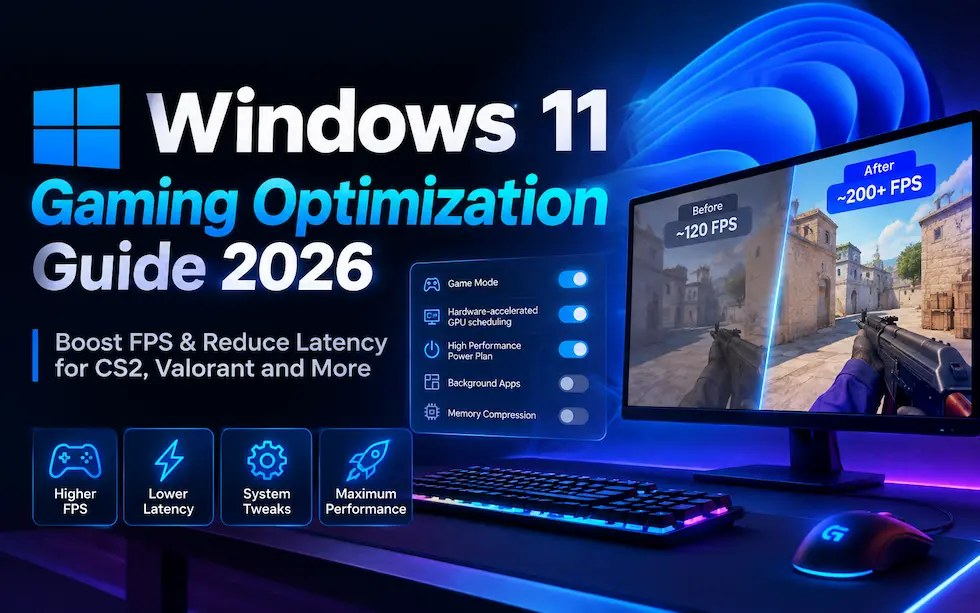
    Windows 11 Gaming Optimization Guide 2026: Boost FPS & Reduce Latency

    Windows 11 out of the box is not configured for gaming. This step-by-step guide covers every setting — Game Mode, GPU scheduling, power plan, memory compression, background apps, and more — to maximize FPS and minimize input lag in CS2, Valorant, and any competitive title.

    Daniel P. - Hardware expert
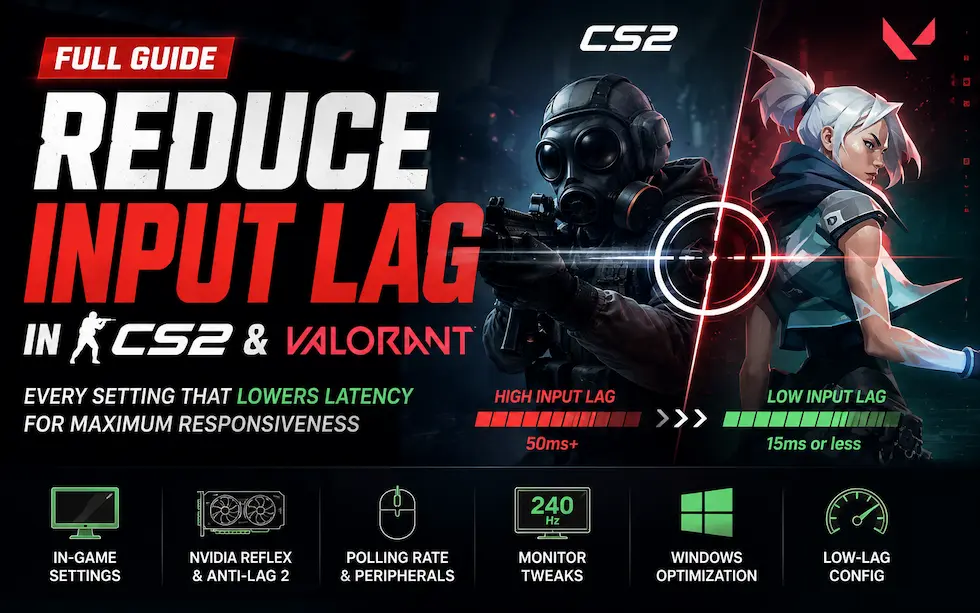
  • How to Reduce Input Lag in CS2 & Valorant: Complete Guide

    How to Reduce Input Lag in CS2 & Valorant: Complete Guide

    High FPS does not mean low input lag. This guide explains the difference, walks through every setting that actually reduces latency, and gives you a complete low-lag config for CS2 and Valorant — covering in-game options, Nvidia Reflex, polling rate, monitor settings, and Windows tweaks.

    Andrew T. - Setup Specialist
Frequently Asked Questions

  • Our step-by-step Gear Guides focus on practical hardware tips, component setup, and peripheral upgrades. We cover everything from peripheral modding (like replacing mouse skates or tuning keyboards) to system-level performance fixes designed to lower input lag, improve responsiveness, and boost FPS. While we emphasize competitive titles like CS2 and Valorant, our tutorials span across all types of gaming setups and budget gear.

  • Yes, absolutely. Every tutorial on GearRank provides hardware tips and performance fixes that actually work without risking stability. We focus on non-destructive, cost-effective methods to handle your PC setup and upgrades, ensuring you improve your gear's lifespan and performance without voiding warranties.

  • We update our Gear Guides regularly to reflect new budget component releases and changing community standards. This ensures you always get hardware upgrades, setup advice, and performance fixes that actually work for modern competitive setups.